Settings
Organization Settings provide administrators with control over key configurations, ensuring smooth operations, security, and efficiency. This panel acts as the backbone of administrative management.
Accessing Organization Settings
Section titled “Accessing Organization Settings”- Go to the Admin Panel.
- Click Settings in the sidebar.
- Configure organization and tenant details as needed.
Key Sections
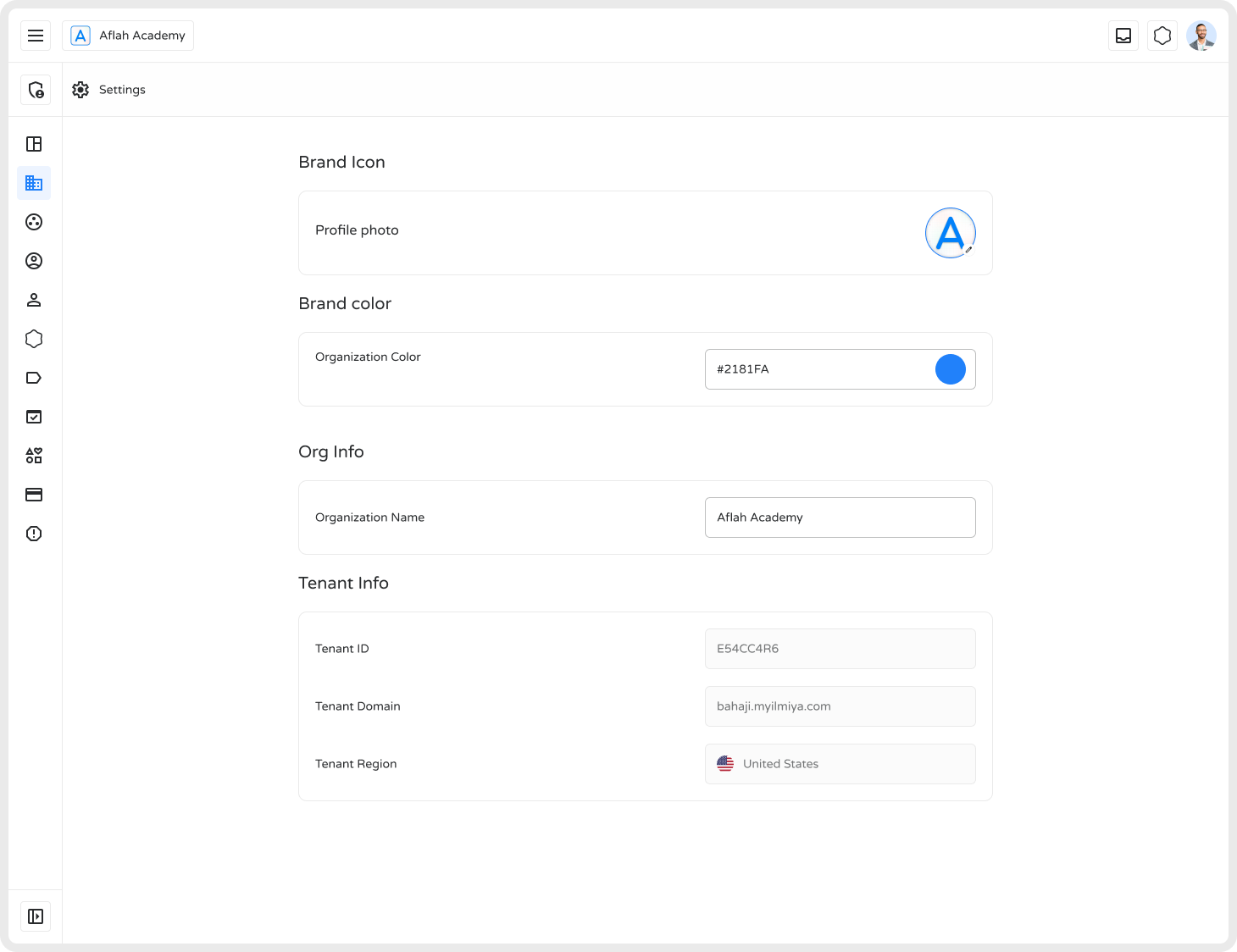
Section titled “Key Sections”Org Info — Organization Information
Section titled “Org Info — Organization Information”- Organization Name — The registered name used for branding and identification across the platform.
Tenant Info
Section titled “Tenant Info”| Field | Description |
|---|---|
| Tenant ID | Unique identifier for the organization (cannot be changed) |
| Tenant Domain | Custom domain for the organization (may be adjustable) |
| Tenant Region | Country of registration, used for compliance and localization |
Editing Organization Settings
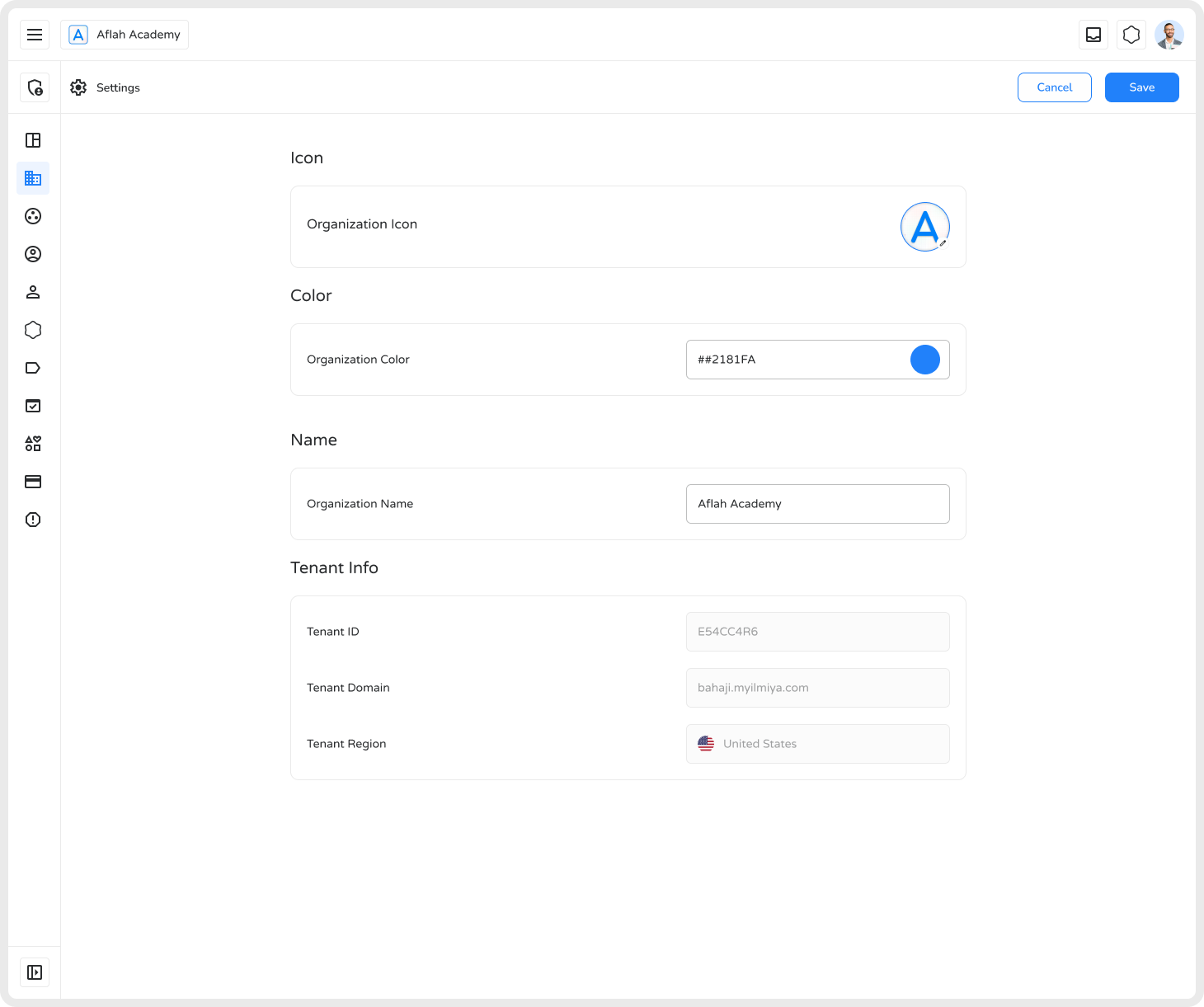
Section titled “Editing Organization Settings”- Navigate to Settings.
- Select the field you want to edit.
- Update the information.
- Click Save to apply changes.
Best Practices
Section titled “Best Practices”- Verify tenant ID and domain before saving any changes.
- Keep addresses and contact details current.
- Review settings regularly to reflect organizational changes.
Why It Matters
Section titled “Why It Matters”- Ensures accurate organizational identification across the platform
- Supports efficient management of tenant configurations
- Maintains correct location-based compliance for your region
Properly maintained organization settings ensure a secure, efficient, and compliant administrative environment — supporting overall operational effectiveness.