Staff
Effective staff management ensures smooth operations, collaboration, and optimized performance. The Staff Management Panel provides centralized control over team members, roles, and permissions.
Accessing the Staff Panel
Section titled “Accessing the Staff Panel”- Go to Admin Panel.
- Select Staff from the sidebar.
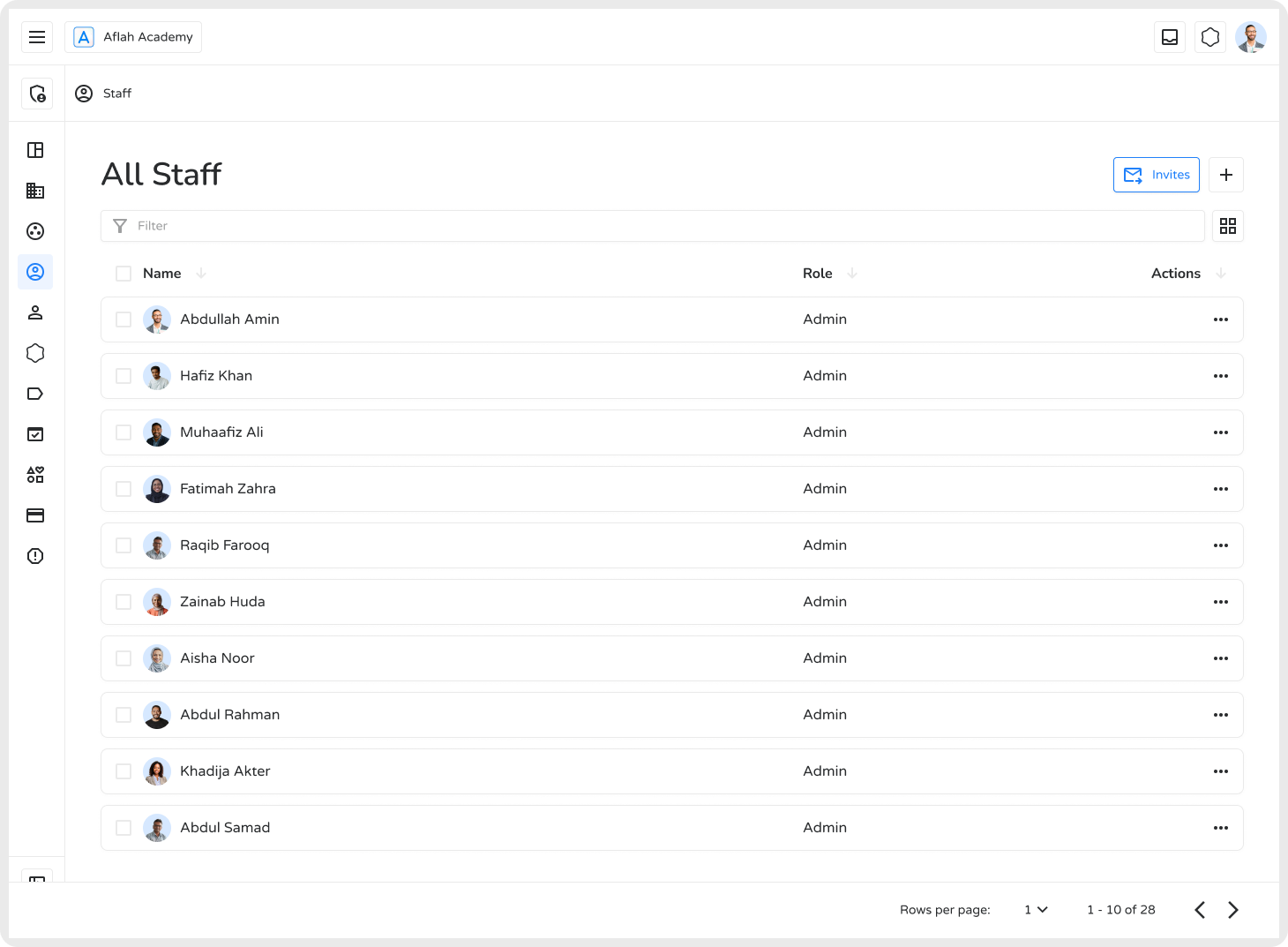
From one place you can view all staff, assign roles, manage permissions, and send invitations.
Adding New Staff Members
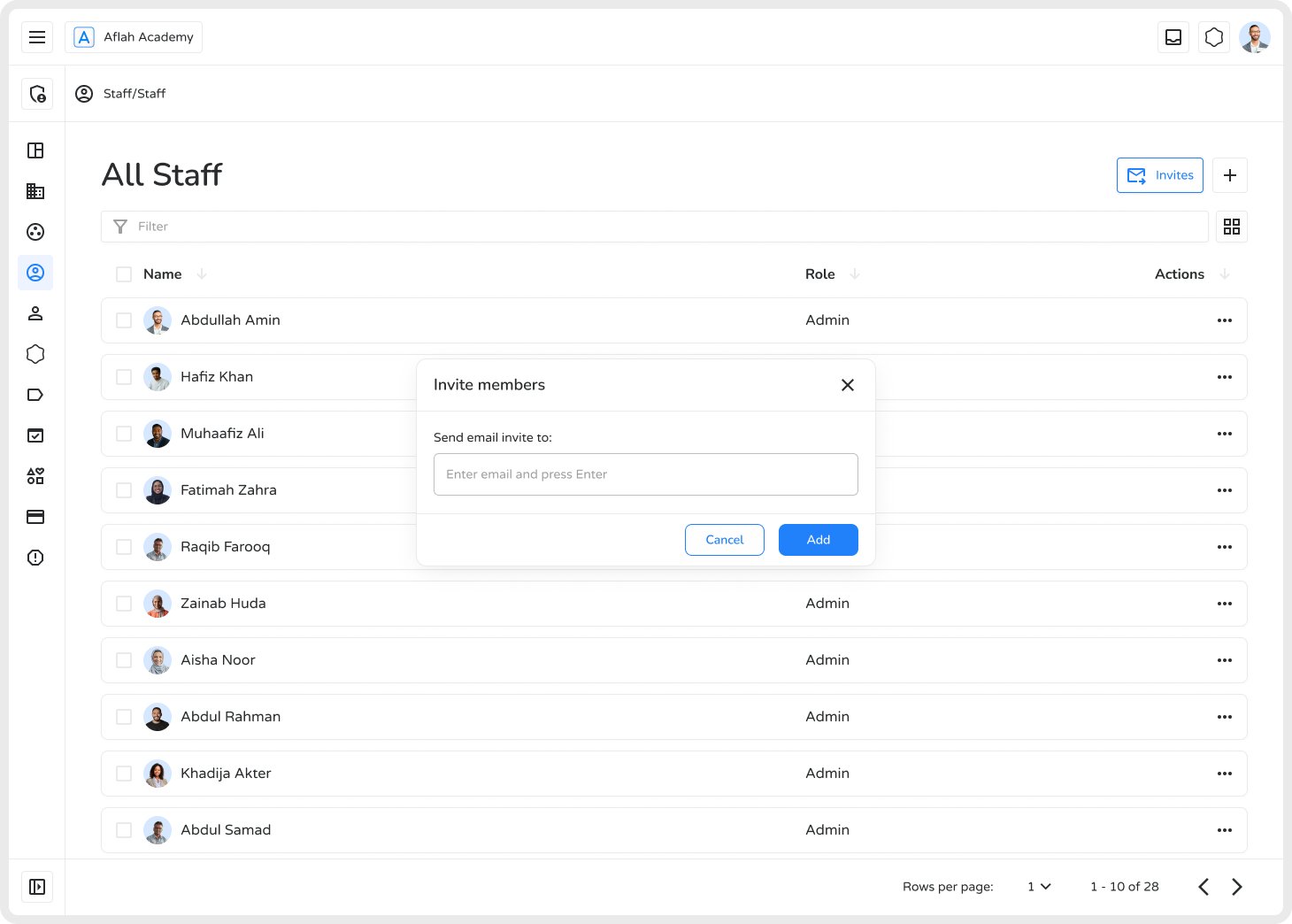
Section titled “Adding New Staff Members”- Click the ”+” icon on the left side of the page.
- A pop-up screen apear.
- Enter the new member’s email.
- Click Add.A invite will be send to the staff memeber you want to add.
Staff Roles
Section titled “Staff Roles”| Role | Access Level |
|---|---|
| Admin | Full system control including staff management and settings |
| Staff | Operational access with general responsibilities |
| Member | Limited access, typically for specialized or support roles |
Managing Staff Profiles
Section titled “Managing Staff Profiles”- Open the Staff List.
- Click the three-dot menu (•••) → View Profile.
- Edit roles, update details, reassign to workspaces, or remove from spaces.
Removing Staff Members
Section titled “Removing Staff Members”- Navigate to the relevant Space → Staff tab.
- Select the member.
- Click ••• → Remove.
Reasons to remove a staff member:
- Protect data integrity after someone leaves
- Maintain an updated, accurate directory
- Improve communication clarity within teams
- Reduce unnecessary access and associated costs