Accounts
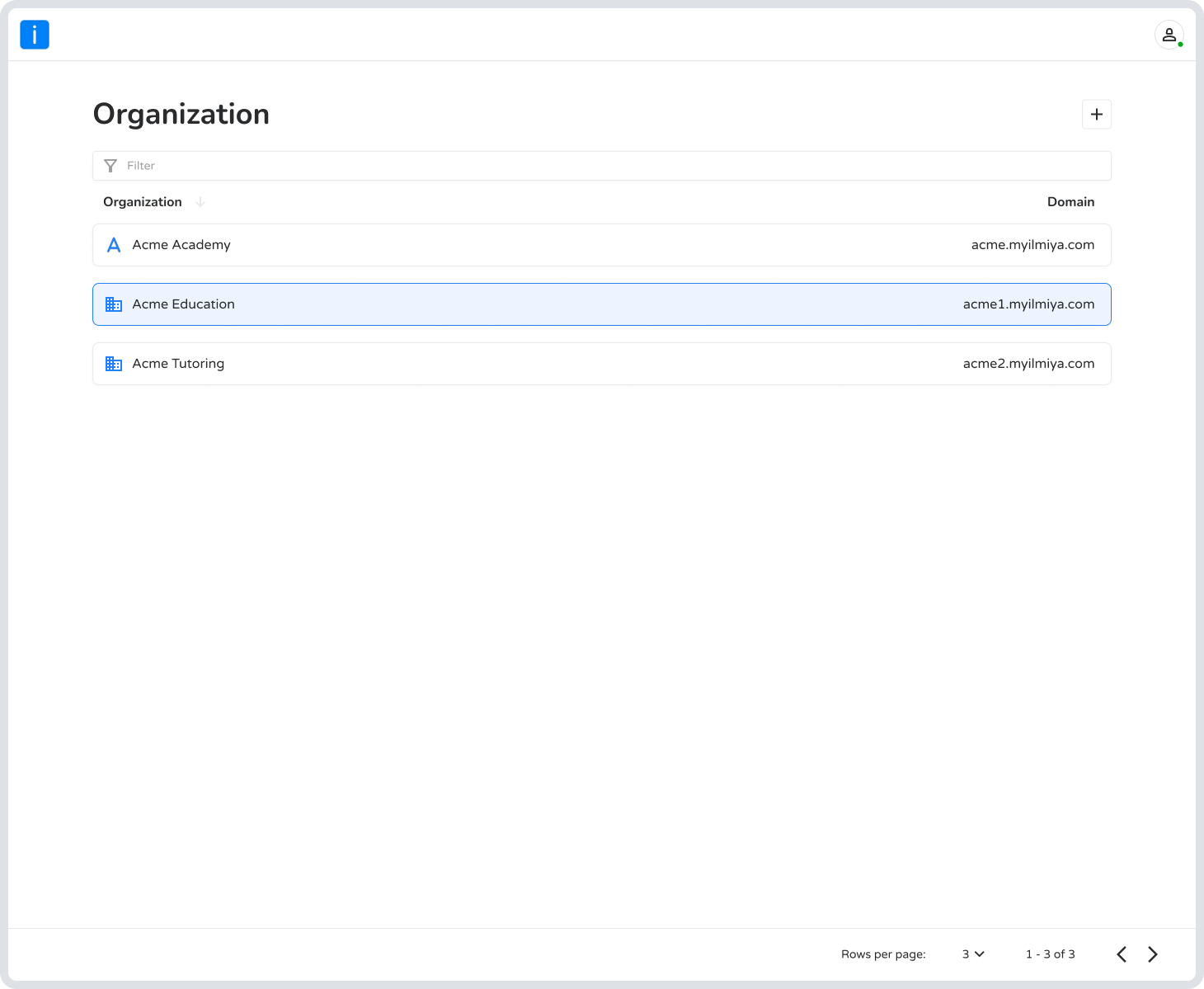
Your main Ilmiya account is the command center for all your educational activities. From here, you can create and manage multiple organizations, each acting as a self-contained digital campus for a school or learning group.
Selecting an organization takes you to its dedicated dashboard and a powerful suite of management portals.
Dashboard
Section titled “Dashboard”Your organization’s homepage — an at-a-glance overview of key stats including student engagement, time spent on the platform, assignment progress, and leaderboard activity.
People Portal
Section titled “People Portal”Where you manage all your users:
- Manage Profiles — Add and organize students, guardians, families, and staff.
- Create Groups — Define custom audiences by class, grade, or other criteria.
- Assign Rewards — Track and distribute student rewards to encourage participation.
Engage Portal
Section titled “Engage Portal”For creating and managing all learning content:
- Courses — Build and organize your course materials.
- Assignments — Create, distribute, and track homework and tasks.
- Pathways — Design custom learning journeys to guide students.
Analytics Portal
Section titled “Analytics Portal”Gain deep insights into performance and engagement:
- Track Progress — Monitor student activity, time spent, grades, and quiz results.
- Analyze Data — Understand course effectiveness and user behavior to make informed decisions.
Admin Portal
Section titled “Admin Portal”The backend for configuring your organization’s structure and settings:
- Customize Your Brand — Set your organization’s name, logo, and custom domain.
- Manage Structure — Create Spaces for different classes, use Labels to organize students, and manage course Rosters.
- Control Access — Add staff members and assign specific roles and permissions.
- Configure Settings — Fine-tune system preferences, AI features, student behavior tracking, and review activity Logs.
Creating Multiple Organizations
Section titled “Creating Multiple Organizations”The platform allows you to create multiple organizations if needed.
For example:
- A school group can manage different campuses
- An academy can manage multiple branches
- An education consultant can manage different client schools
Each organization works as an independent workspace, keeping students, families, and staff properly organized.
Key Highlights
Section titled “Key Highlights”- Multi-Campus Ready — Manage multiple organizations from one account.
- Role-Based Access — Set specific permissions for students, parents, and staff.
- Highly Customizable — Tailor branding, domains, and settings to fit your institution.
- AI-Powered — Use AI to enhance learning and streamline operations.