Navigation
Your Central Hub: The Dashboard
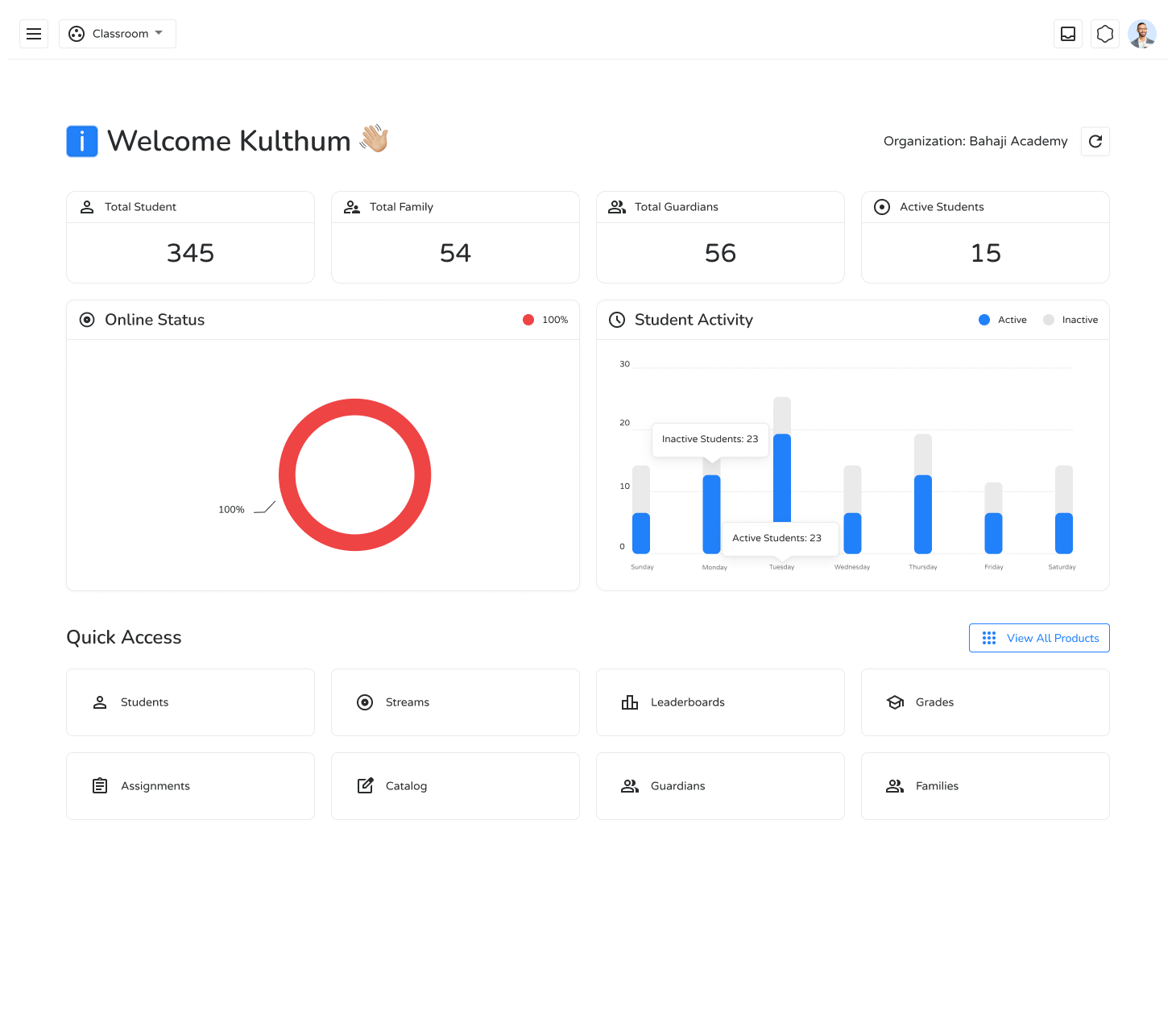
Section titled “Your Central Hub: The Dashboard”When you log in, you land on your main dashboard — your at-a-glance view of the most important information in your active workspace. It features:
- Welcome Section — Greets you and shows your current workspace.
- Quick Access Panel — Shortcuts to essential everyday tasks like managing Students, checking Assignments, viewing Grades, and engaging in Streams.
The Main Menu (☰)
Section titled “The Main Menu (☰)”Located in the top-left corner, the main menu is your gateway to the core portals of Ilmiya:
| Menu Item | Description |
|---|---|
| Home | Returns you to the main dashboard from anywhere. |
| People | Manage profiles for students, guardians, and staff. |
| Engage | Access courses, assignments, and communication tools. |
| Analytics | View performance data and generate reports. |
| Admin | (Administrators only) Configure settings, roles, and permissions. |
Top Bar: Your Personal Controls
Section titled “Top Bar: Your Personal Controls”The bar at the top of your screen handles personal settings and notifications:
- Organization Switcher — Easily toggle between different classes or organizations.
- Notifications — Stay updated with important alerts and messages.
- User Profile (top-right) — Click your profile icon to edit personal details, adjust preferences, or access help and support.
A View Tailored for You
Section titled “A View Tailored for You”Ilmiya customizes your experience based on your role. Whether you are an Administrator, Educator, or Student, your dashboard and navigation are streamlined to show only the tools relevant to you — making your workflow clean and efficient.