Quick Start
Ilmiya is a comprehensive, student-centric learning ecosystem designed to meet the evolving needs of modern educational institutions. Whether you’re an educator, student, or administrator, Ilmiya offers a streamlined, intuitive experience that enhances learning, improves communication, and simplifies administrative tasks.
Step 1: Access the Sign-Up Page
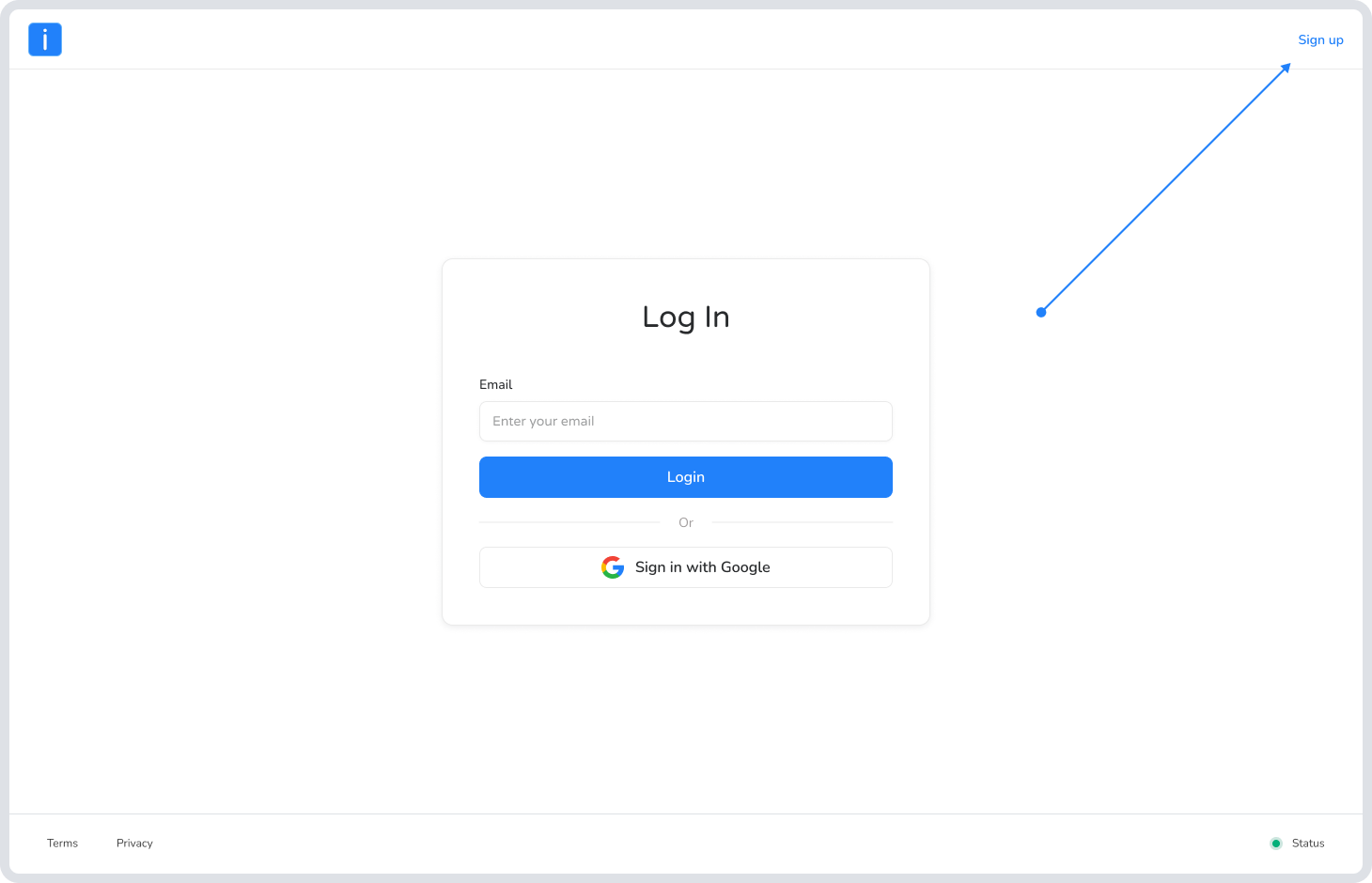
Section titled “Step 1: Access the Sign-Up Page”- Open your browser and visit the official sign-up page Click here to start .If you don’t have an account yet, look for the Sign Up link at the top right corner of the screen to begin the registration process.
Step 2:Choose a Username
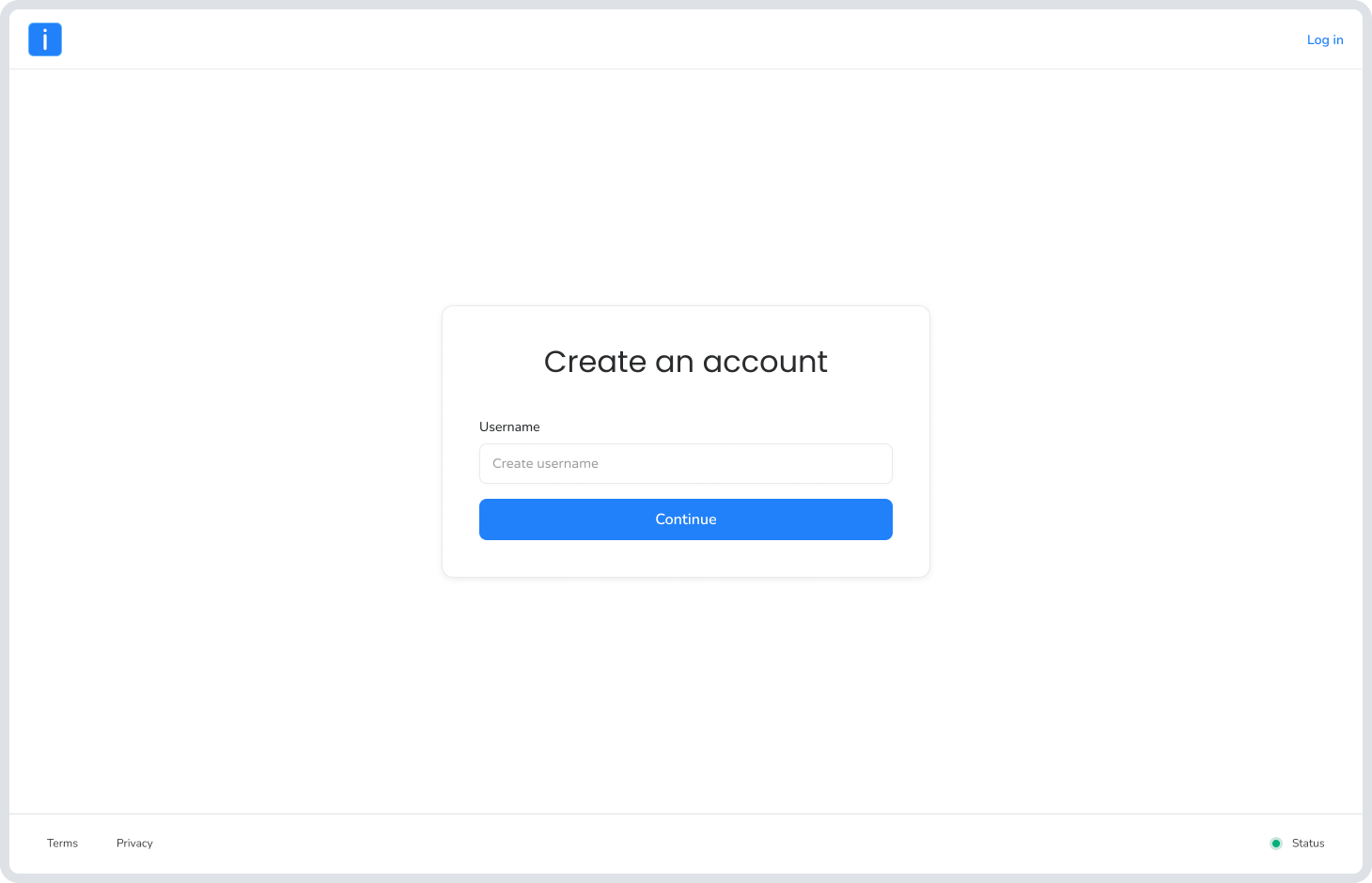
Section titled “Step 2:Choose a Username”- You will be prompted to create a unique Username. This will be your primary identifier on the platform. Type it in and click Continue.
Step 3: Enter Your Email
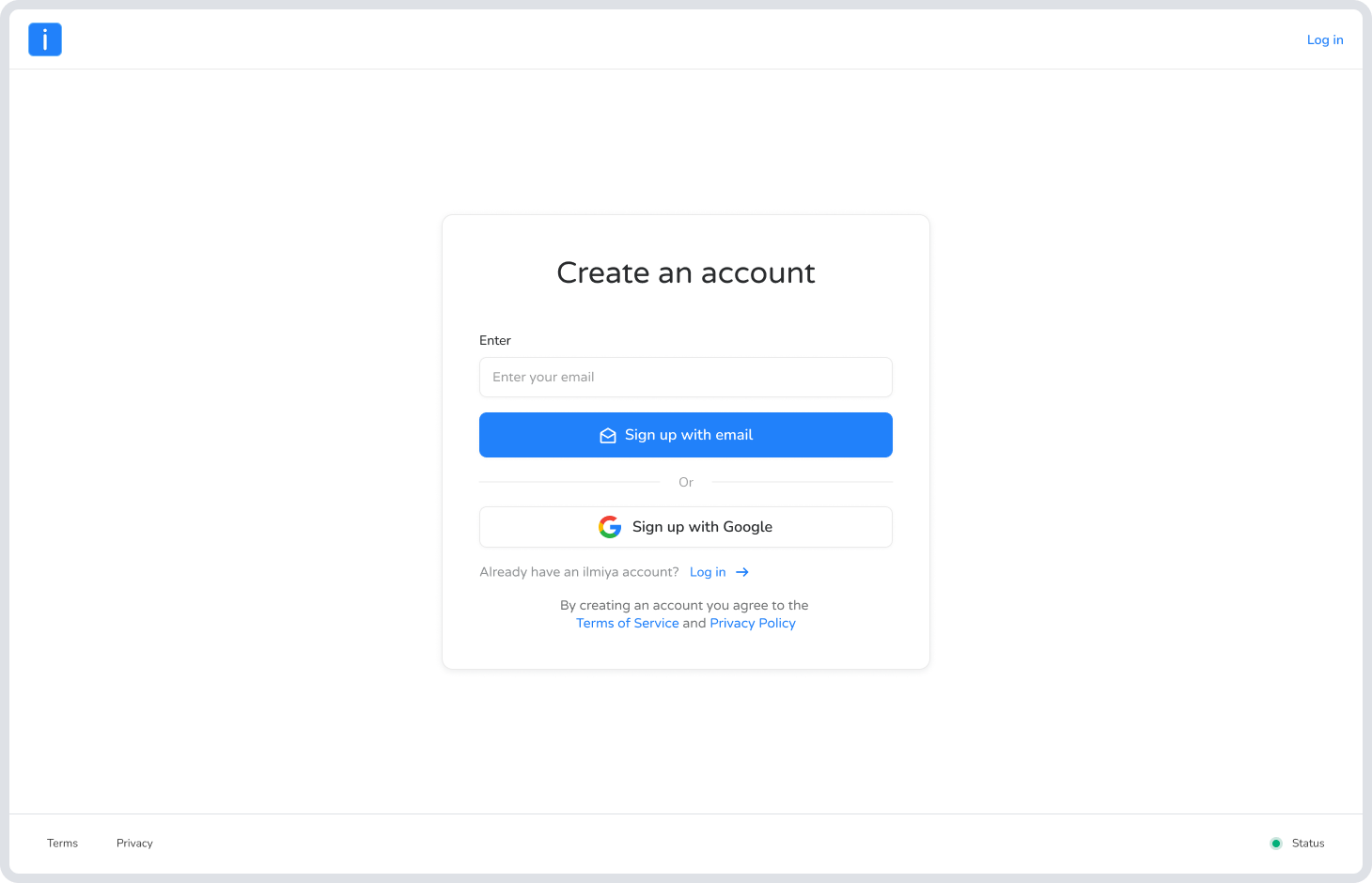
Section titled “Step 3: Enter Your Email”On the “Create an account” screen, you have two quick options:
- Email: Type your preferred email address into the box and click Sign up with email.
- Google: Alternatively, click Sign up with Google for a faster, one-click registration.
Step 4: Complete Your Profile
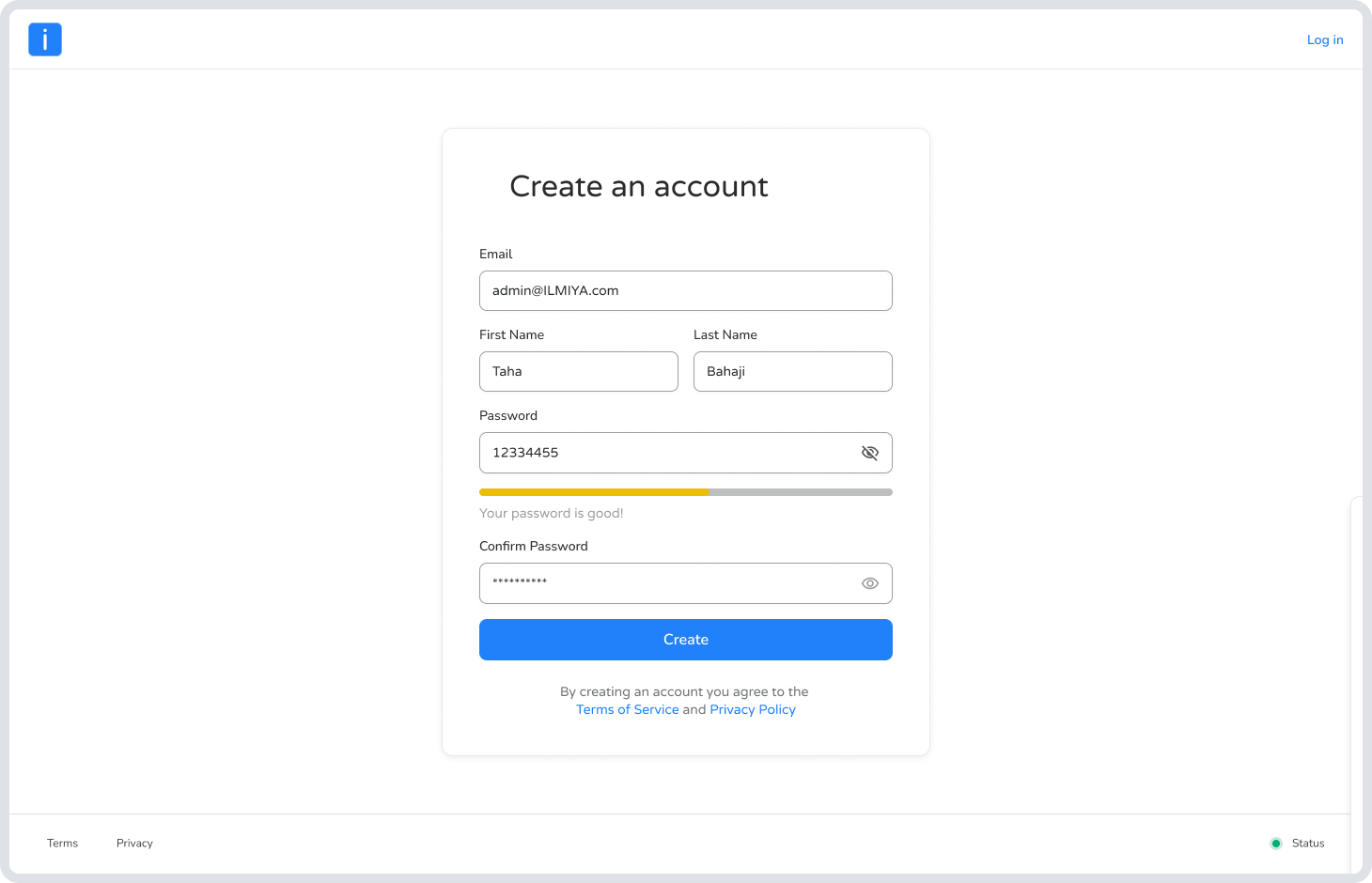
Section titled “Step 4: Complete Your Profile”Fill out the registration form with your personal details:
- First and Last Name: Let us know what to call you.
- Password: Create a strong password. The system will give you a status bar (e.g., “Your password is good!”) to let you know it’s secure.
- Confirm Password: Re-type your password and click Create.
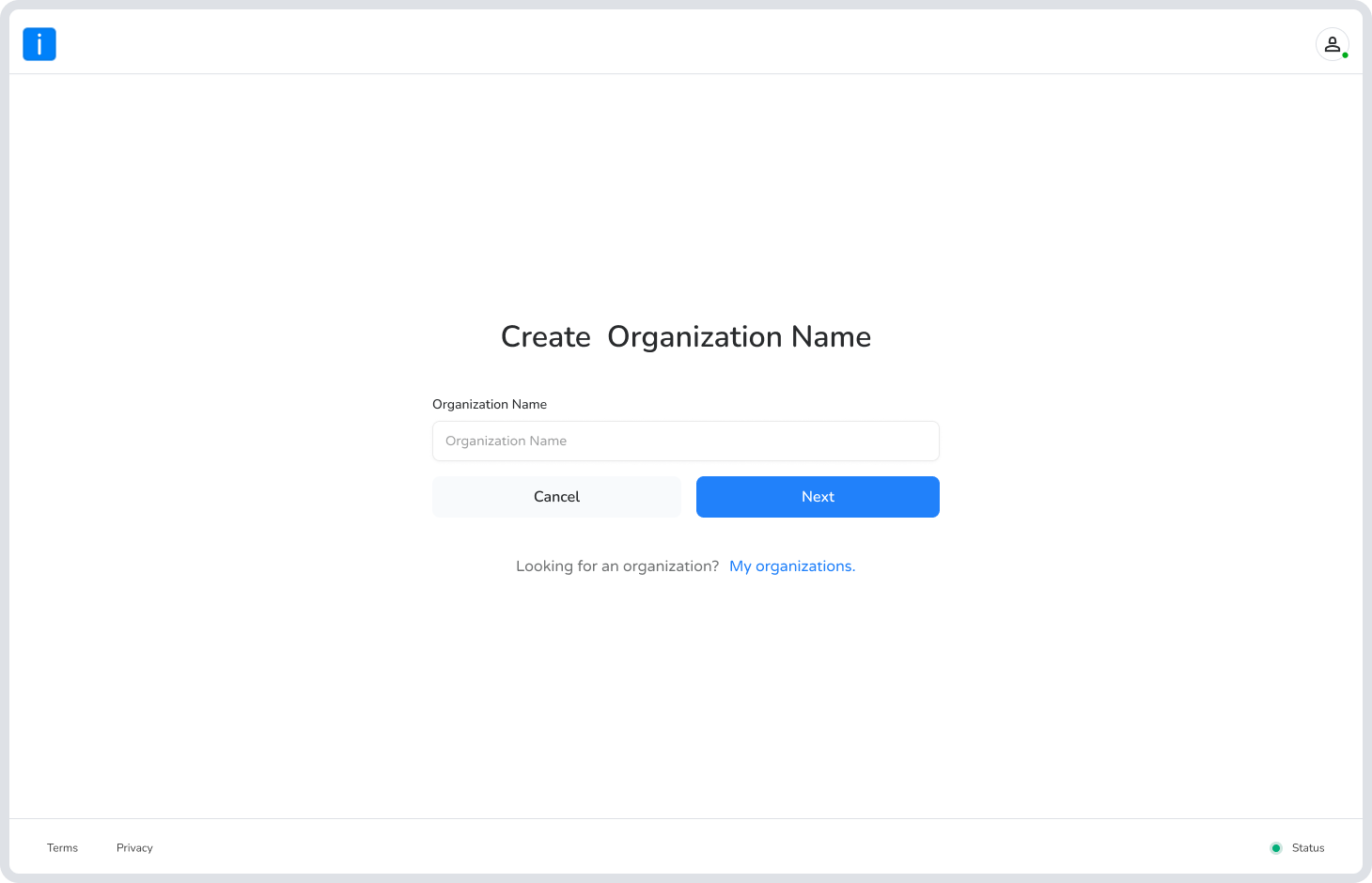
Step 5: Name Your Organization
Section titled “Step 5: Name Your Organization”- Now it’s time to brand your space. Enter your Organization Name (for example, “Little Angles”). The system will automatically check if the name is available for use. Once you see the green checkmark, click Next.
Step 6: Create Your Custom Domain
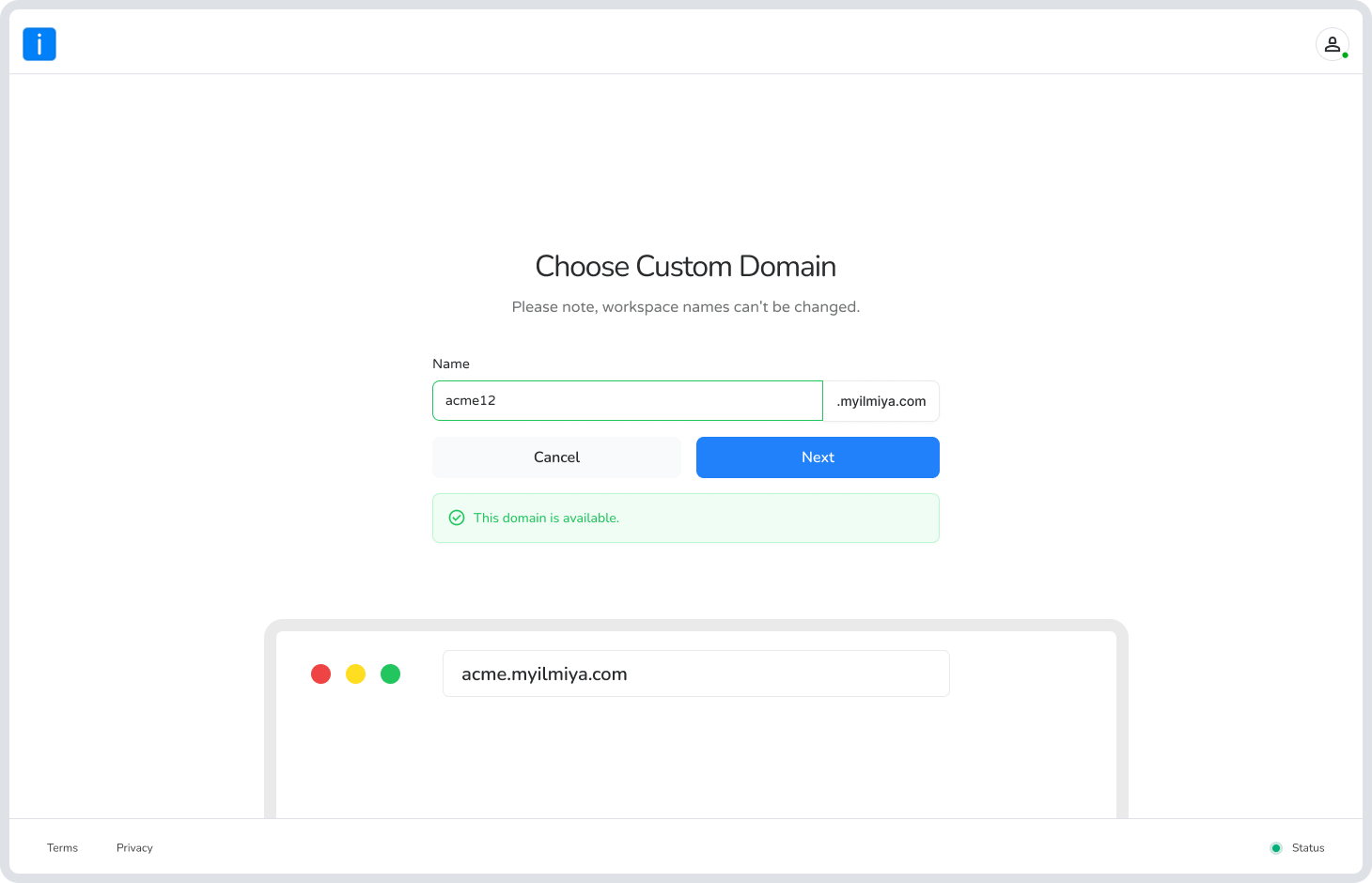
Section titled “Step 6: Create Your Custom Domain”- This step is crucial! You will choose a Custom Domain (subdomain) that your students and staff will use to access your portal (e.g., littleangles.myilmiya.com).
Start your journey with smarter learning — Create your Ilmiya account