Access Control
Secure and seamless student access is essential in a digital learning environment. Ilmiya ensures strong access control to protect student data while keeping the login process simple.
Student Login Process
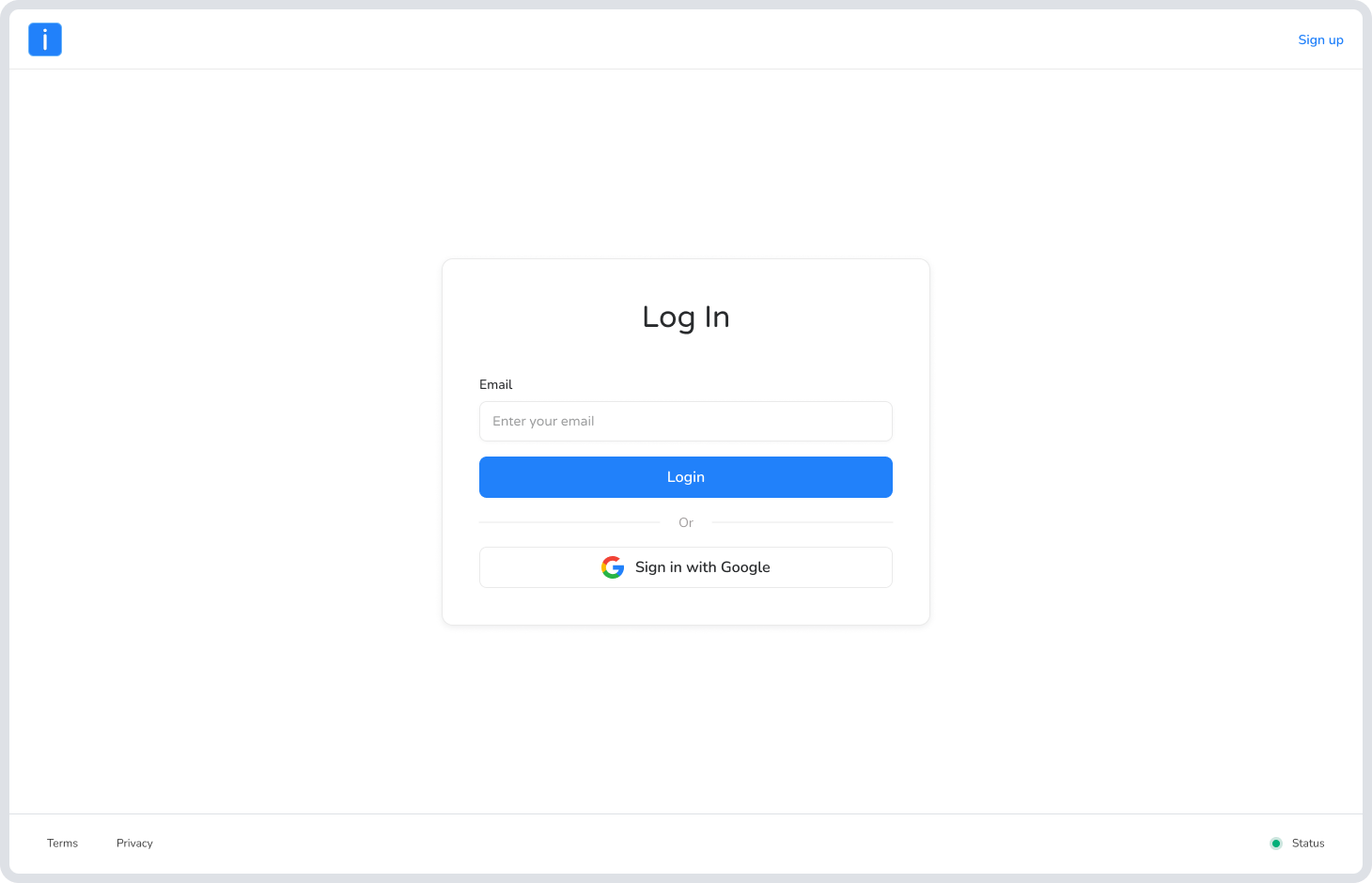
Section titled “Student Login Process”- Open the platform’s login page.
- Enter your username/email and password.
- Use the eye icon to view your password if needed.
- Click Login to access your account.
Password Management for Students
Section titled “Password Management for Students”To ensure account security:
- Use strong passwords with letters, numbers, and special characters.
- Store passwords securely and limit access to authorized personnel.
- Avoid weak or easily guessed passwords.
- Password resets can only be performed by administrators or teachers.
- Teach students to keep passwords private.
- Use MFA where available for added protection.
Can Students Reset Their Own Passwords?
Section titled “Can Students Reset Their Own Passwords?”No. Students cannot reset their own passwords. They must request assistance from the Administration or a teacher, who will securely generate a new one.
What If a Student Forgets Their Password?
Section titled “What If a Student Forgets Their Password?”Students should immediately contact the Administration or their teacher. Authorized staff will reset the password and provide new login details securely.
How Is Login Information Shared?
Section titled “How Is Login Information Shared?”Login details are sent securely to the student’s guardian or family through the email or phone number provided during registration. This ensures only authorized individuals receive sensitive account information.